


Download Tinn
Tinn runs on your computer. Your projects are .tinn files you own, and you do not need an account to open or save one.
Tinn is an early version, built by one person and still in progress. Things will change, and some will be rough. Check the numbers before you order or send a budget to a client. Found something? Tell me.
Windows
Download for Windows- Version
- 0.7.3, 30 October 2026
- File
- Installer .exe, 121 MB
- Needs
- Windows 10 or later, 64-bit
Mac
Coming. No date yet.
The Mac version is being prepared. Leave your email on the home page and you will hear when it is ready.
Leave your emailWhat happens next
-
Run the installer
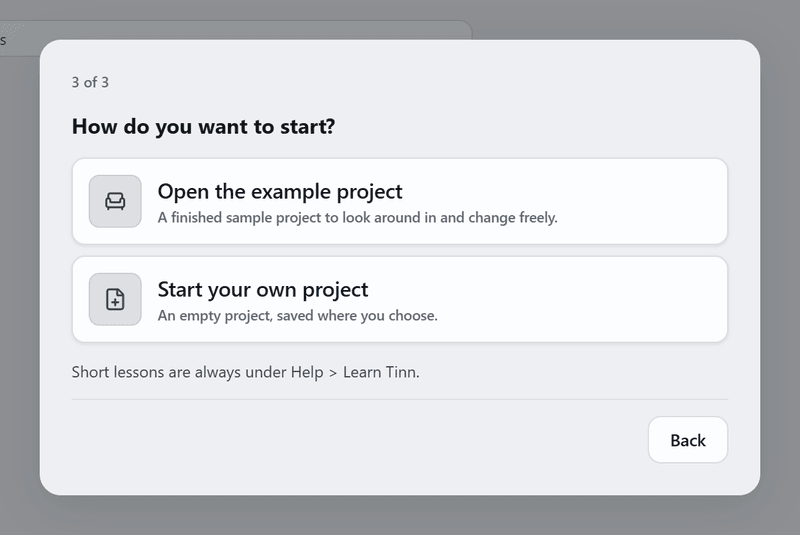
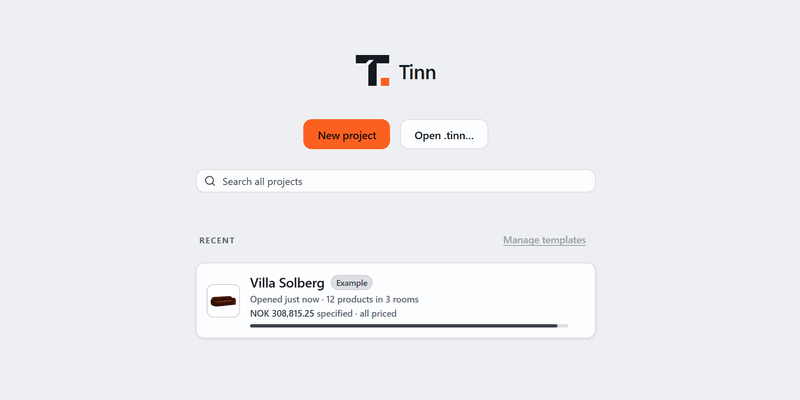
The first time Tinn opens, a short welcome lets you choose your language and offers Villa Solberg, a sample project, or a project of your own. You can also open a .tinn file a colleague sent you.
-
Fill your first sheet
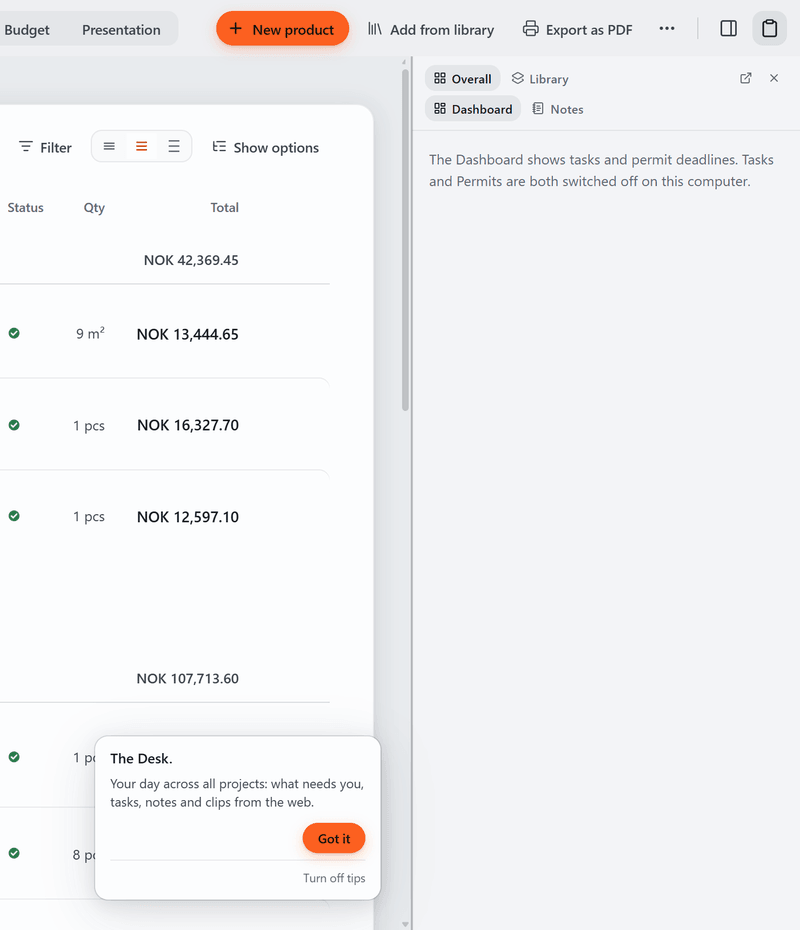
Add a room, then a product with a price. The budget adds up as you go, and Tinn saves every change.
-
Switch on what you need
Board, Plans and the other tools are in Settings, Tools. They are off until you switch them on.
Windows will show a warning
Windows shows a blue "Windows protected your PC" screen for apps it has not seen before. Tinn is new and not yet code-signed, so you will see it. Click More info, then Run anyway.
Nothing is wrong with the download. Every build is made in public on GitHub, and code signing is on the list.
Where Tinn is right now
Tinn is early, and built by one person. The spec sheet and its budget are the core: they are the most finished part, and safe to use on real projects. Board, Plans, Versions, Permits, Tasks and Schedule are in Beta. They work and save, and they are still being finished.
If something is broken, tell me from inside the app: Help, then Send feedback, or the Beta label on any tool. It reaches me directly.
Simon Flatin