


Switch on what you need.
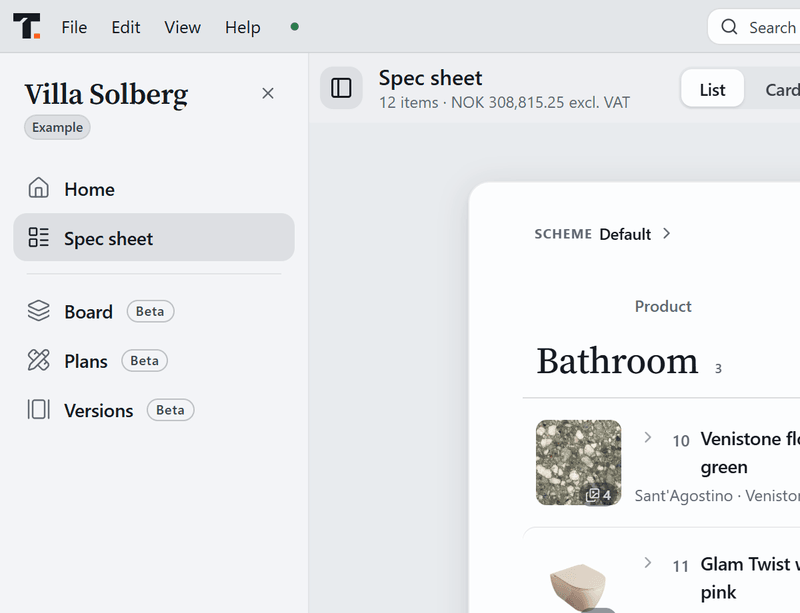
Tinn is the spec sheet. Six more tools live inside it, in the same project file. Each one is off until you switch it on.
Design
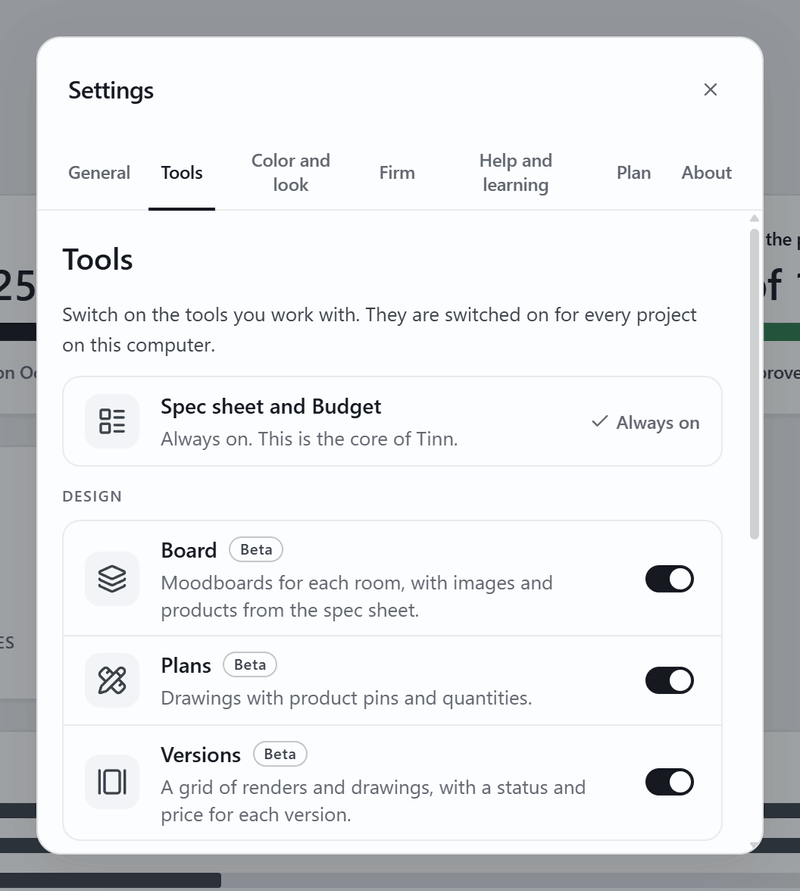
- BoardBeta
Moodboards for each room, with images and products from the spec sheet.
- PlansBeta
Drawings with product pins and quantities.
- VersionsBeta
A grid of renders and drawings, with a status and price for each version.
Running the project
-
What Beta means
A Beta tool works and saves like the rest of Tinn. It is still being finished, so each tool's page says what is not done yet and when that was last checked.
-
How to switch a tool on
In Tinn, open Settings, then Tools, and switch the tool on. It appears in the tool column right away. Switch it off and nothing is deleted: the work stays in the file.
-
Hide a tool in one project
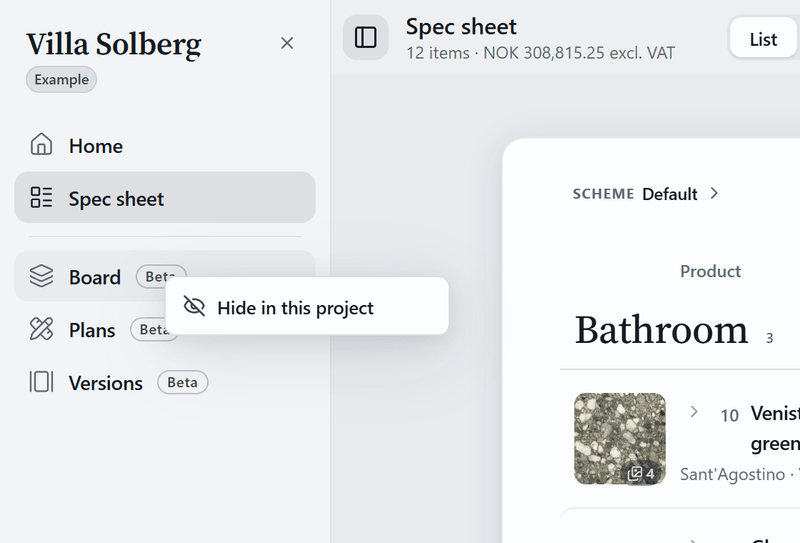
Right-click a tool in the left column and choose Hide in this project. It stays on in your other projects, and nothing in the file is deleted.
Every tool is free. Tools are switched on, never bought.
Start your first sheet today.
Free. No account. Your project is a file on your computer.